Preserve SEO in BigCommerce Migrations
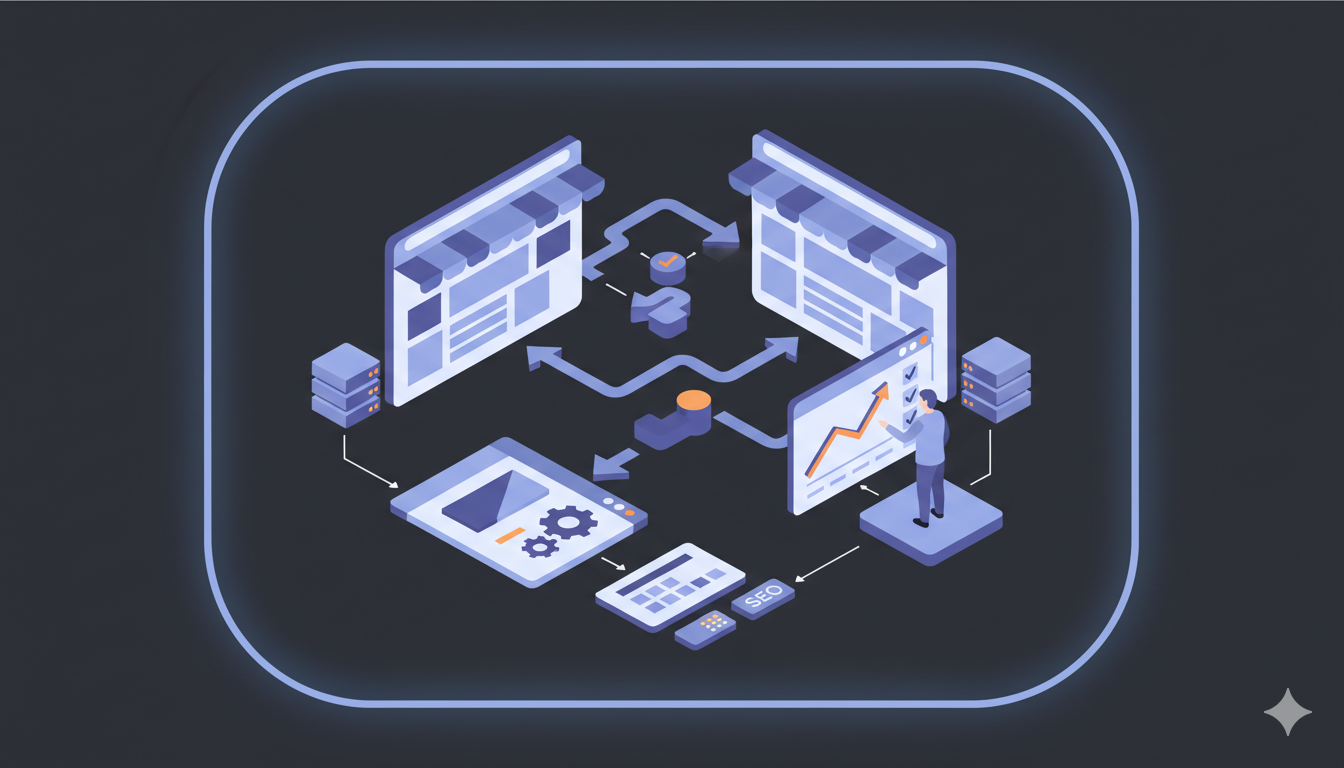
The nightmare scenario for any merchant: You launch your beautiful new BigCommerce store, but your traffic drops to zero because Google can no longer find your products. This guide explains exactly how to prevent that disaster. By following our SEO preservation protocol, you can transfer your rankings, traffic, and domain authority along with your data.
Why is SEO at Risk During Migration?
Google indexes your store based on specific URLs (e.g., mystore.com/products/blue-shirt). When you move to BigCommerce, your URL structure often changes by default (e.g., to mystore.com/blue-shirt or BigCommerce's default structure).
If you delete the old site and launch the new one without telling Google where the pages went, you create "broken links" (404 errors). Google punishes this by dropping your rankings, effectively erasing years of SEO work. The solution is a strategy called 301 Redirection.
Phase 1: Pre-Migration SEO Audit
You cannot protect what you haven't measured. Before migrating, create a benchmark of your current performance.
1. Crawl Your Current Site
Use a tool like Screaming Frog or Ahrefs to crawl your existing store. You need a complete list of every live URL, including:
- Product pages
- Category pages
- Blog posts
- CMS pages (About, Contact, Policy pages)
2. Export Your Metadata
Ensure you have a backup of your Meta Titles, Meta Descriptions, and Keywords. If you are using a hosted platform (like Shopify or PrestaShop), you can usually export products to CSV to save this data.
Phase 2: The Migration Strategy
Here is how to use Big Migration features to automate the protection of your SEO.
1. The "301 Redirect" Feature
This is the most critical step. A 301 Redirect is a permanent signpost that tells search engines: "The page moved from Address A to Address B. Please transfer all ranking power to Address B."
2. Migrate SEO URLs
If you want your new BigCommerce links to look exactly like your old links (e.g., keeping /products/ instead of changing to BigCommerce's default), you can customize URLs in BigCommerce's SEO settings. BigCommerce allows you to edit product and category URLs for SEO purposes using the URL Redirects in the Admin.
3. Transfer Images and Alt Text
Google Image Search is a major traffic source for eCommerce. If you migrate products but fail to migrate the "Alt Text" (the description of the image), you lose visibility. Ensure your migration plan includes full media transfer with alt text. Big Migration handles this automatically.
Phase 3: Post-Migration SEO Checklist
Once the migration is finished and your store is live, perform these immediate actions to "ping" Google.
1. Generate a New Sitemap
BigCommerce has built-in sitemap generation functionality. You can access it in BigCommerce's SEO settings. Generate your sitemap and ensure it's accessible at yourdomain.com/sitemap.xml. BigCommerce's sitemap includes products, categories, and other pages.
2. Google Search Console (GSC) Actions
- Verify the New Site: Ensure GSC has verified ownership of your new BigCommerce installation. You can verify via HTML tag, DNS record, or Google Analytics.
- Submit the Sitemap: Go to Index > Sitemaps and submit your new sitemap URL (
yourdomain.com/sitemap.xml). - Request Indexing: For your Homepage and top-selling Category pages, use the "URL Inspection" tool to manually request re-indexing.
3. Test Redirects
Do not assume they work. Click on 10 random old URLs from your spreadsheet. They should instantly load the corresponding product on the new site. If you see a 404 error, the redirect failed. Check BigCommerce's redirect configuration or SEO app settings if redirects aren't working.
4. Monitor 404 Errors
Use BigCommerce's SEO apps or Google Search Console to monitor 404 errors. Check this daily for the first two weeks and fix any broken paths immediately. BigCommerce allows you to set up custom redirects in the Admin.
Common SEO Pitfalls to Avoid
The "Soft 404" Trap
Do not redirect all deleted products to your Homepage. Google treats this as a "Soft 404" and will stop ranking those keywords. Always redirect a deleted product to its parent category, not the homepage.
Speed is a Ranking Factor
BigCommerce is SaaS-hosted with built-in CDN and optimization:
- Use BigCommerce's image optimization or compress images before upload.
- BigCommerce handles caching automatically.
- BigCommerce uses a global CDN for faster access.
- Choose a fast Stencil theme.
Internal Linking Structure
If you had blog posts linking to products on your old site, those links might break during migration. Use BigCommerce's SEO tools or a broken link checker to scan your content and